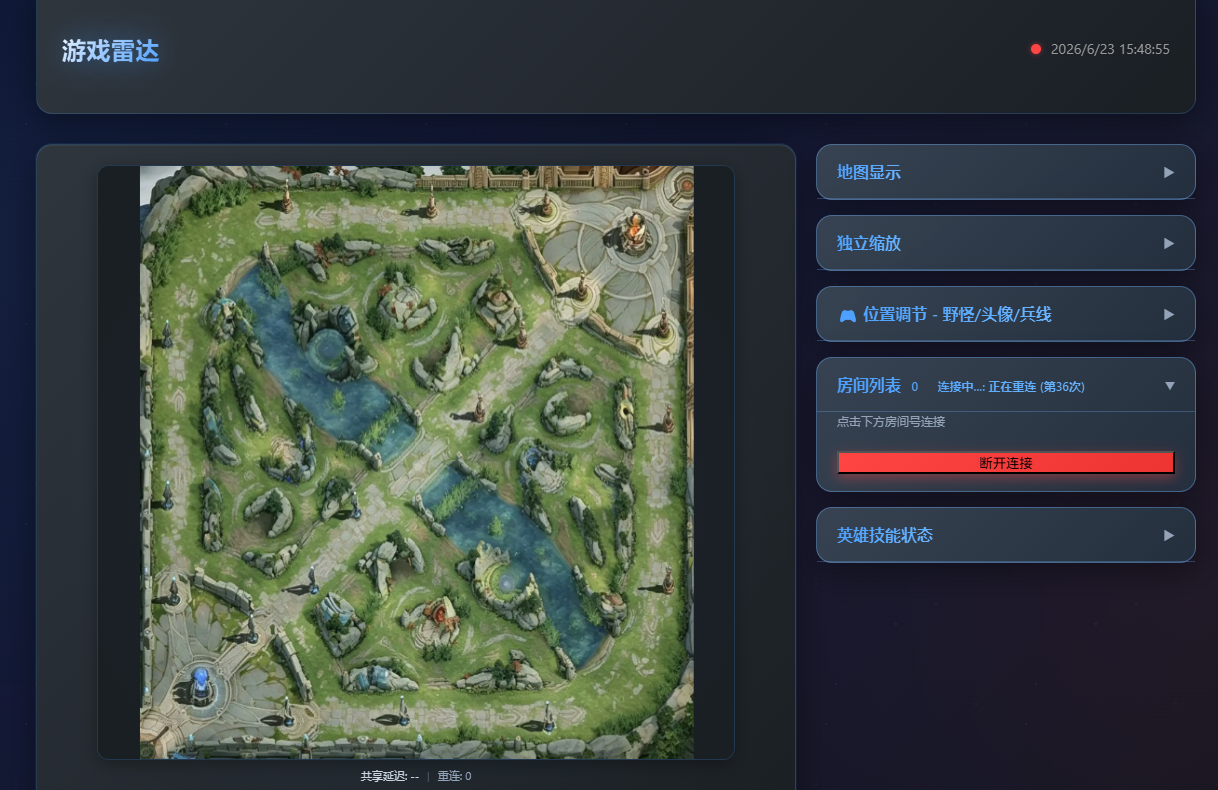
纯净版源码
无登录接口,适合展示和轻量使用。
下载 纯净版源码无登录接口,适合展示和轻量使用。
下载 纯净版源码包含卡密后台,适合自行发放访问卡密。
下载 卡密版源码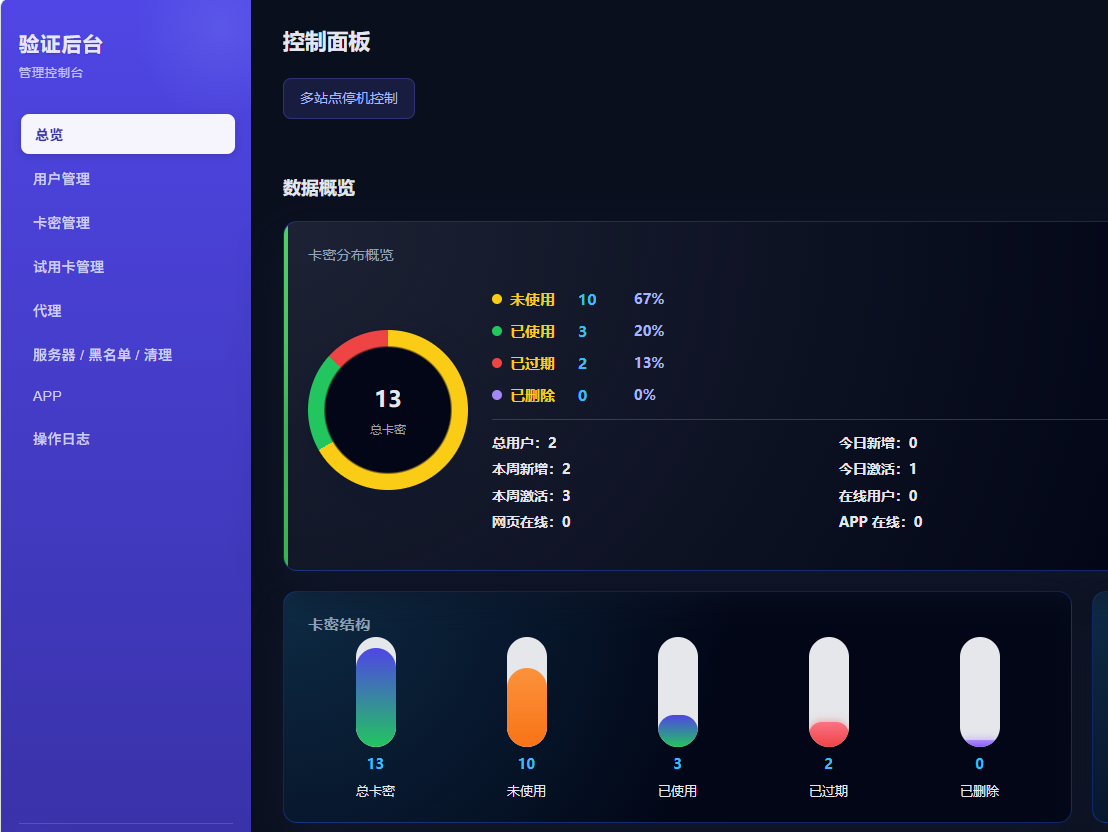
完整运营版前后台、数据库与 APP 目录。
先在本页下载源码包,再把下面命令里的服务器 IP、文件名和端口按实际情况替换。云控制台安全组也要放行 80、8888、9999。
ssh root@你的服务器IP
mkdir -p /www/wwwroot/wzry
cd /www/wwwroot/wzry

# 下载对应源码包后,在本机上传到服务器,文件名按实际下载包修改
scp wz-clean-source-44bd2216384c9806.tar.gz root@你的服务器IP:/www/wwwroot/wzry/

# 回到服务器解压
tar -xzf wz-clean-source-44bd2216384c9806.tar.gz --strip-components=1

# Ubuntu / Debian 安装环境
apt update && apt install -y nginx openjdk-17-jre unzip tar curl

# CentOS / Rocky / AlmaLinux 安装环境
yum install -y nginx java-17-openjdk unzip tar curl

# 放行端口:80 是网站访问端口,8888/9999 是程序常用接口端口
if command -v firewall-cmd >/dev/null 2>&1; then
  firewall-cmd --permanent --add-port=80/tcp || true
  firewall-cmd --permanent --add-port=8888/tcp || true
  firewall-cmd --permanent --add-port=9999/tcp || true
  firewall-cmd --reload || true
fi
if command -v ufw >/dev/null 2>&1; then
  ufw allow 80/tcp || true
  ufw allow 8888/tcp || true
  ufw allow 9999/tcp || true
fi

# 启动 Java 后端
nohup java -jar /www/wwwroot/wzry/wz.jar --server.port=3001 > /www/wwwroot/wzry/wz.log 2>&1 &

# 配置开机自启
cat >/etc/systemd/system/wz.service <<'EOF'
[Unit]
Description=WZ Radar Backend
After=network.target

[Service]
WorkingDirectory=/www/wwwroot/wzry
ExecStart=/usr/bin/java -jar /www/wwwroot/wzry/wz.jar --server.port=3001
Restart=always
RestartSec=3

[Install]
WantedBy=multi-user.target
EOF
systemctl daemon-reload
systemctl enable --now wz

# 配置 Nginx
cat >/etc/nginx/conf.d/wzry.conf <<'EOF'
server {
    listen 80;
    server_name _;
    root /www/wwwroot/wzry;
    index index.html index.php;

    location / {
        try_files $uri $uri/ /index.html;
    }

    location /api/ {
        proxy_pass http://127.0.0.1:3001/;
        proxy_set_header Host $host;
        proxy_set_header X-Real-IP $remote_addr;
    }
}
EOF
nginx -t && systemctl restart nginxyum install -y php php-fpm || apt install -y php-fpm
mkdir -p /www/wwwroot/wzry/data
chmod -R 755 /www/wwwroot/wzry
chmod -R 777 /www/wwwroot/wzry/data
systemctl enable --now php-fpm || systemctl enable --now php8.1-fpmcd /www/wwwroot/wzry
find . -maxdepth 2 -type f | head -80
# 如果源码包内带 SQL 文件,按实际数据库名导入
mysql -uroot -p 数据库名 < 数据库文件.sql